If the result is too busy
Choose a cleaner source photo or a finer line weight. Small products usually need fewer interior lines and less visual texture.
Most poor results come from source photo quality, too much detail for the final size, or background clutter. Start by checking the photo and settings.
Reviewed by LineArtReady · Last reviewed 2026-06-13
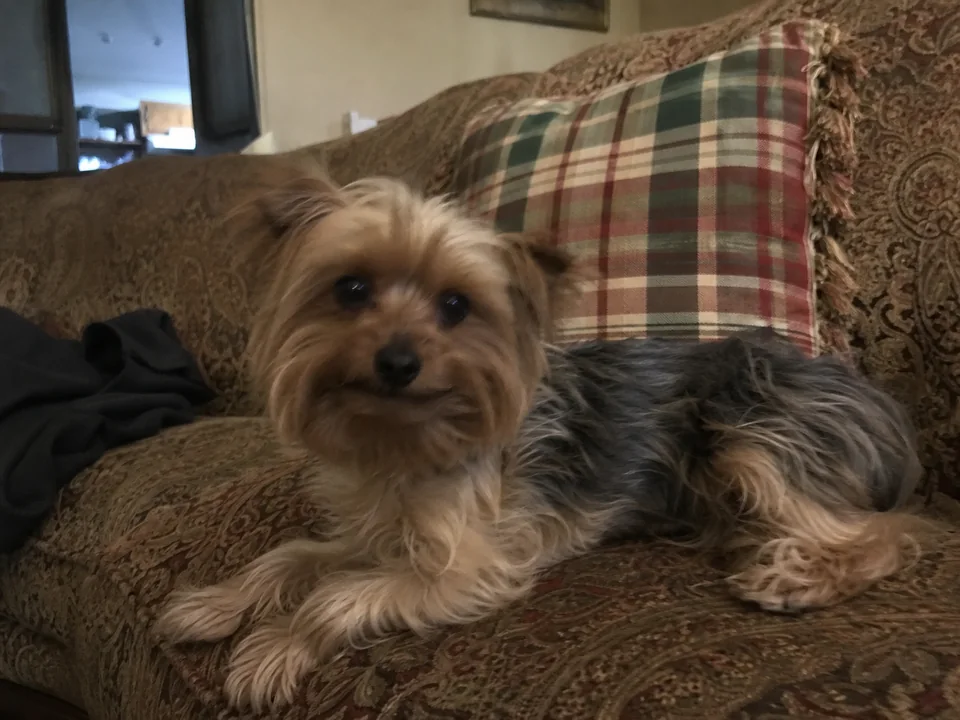
Choose a cleaner source photo or a finer line weight. Small products usually need fewer interior lines and less visual texture.
Use a sharper photo where the feature is clearly visible, then try standard or bold line weight depending on the material.
Use a supported photo file and avoid extremely large images. If a phone format fails, export the photo as a JPEG and try again.
The source photo may be low quality, or the result may be too dense for the chosen size. Try a clearer photo or lighter line weight.
Busy surroundings can be interpreted as useful detail. Enable background removal or use a cleaner source photo.
Send the account email, approximate time, and the artwork or job reference shown in the app if available.
Upload a photo, adjust the engraving filters, generate line art, and download a PNG.
Open LineArtReady