Designed for fast jobs
The workflow supports the kind of short, repeatable photo preparation needed when a customer is waiting.
LineArtReady helps laser operators turn customer-supplied photos into simpler artwork for personalised engraving products.
Reviewed by LineArtReady · Last reviewed 2026-06-05
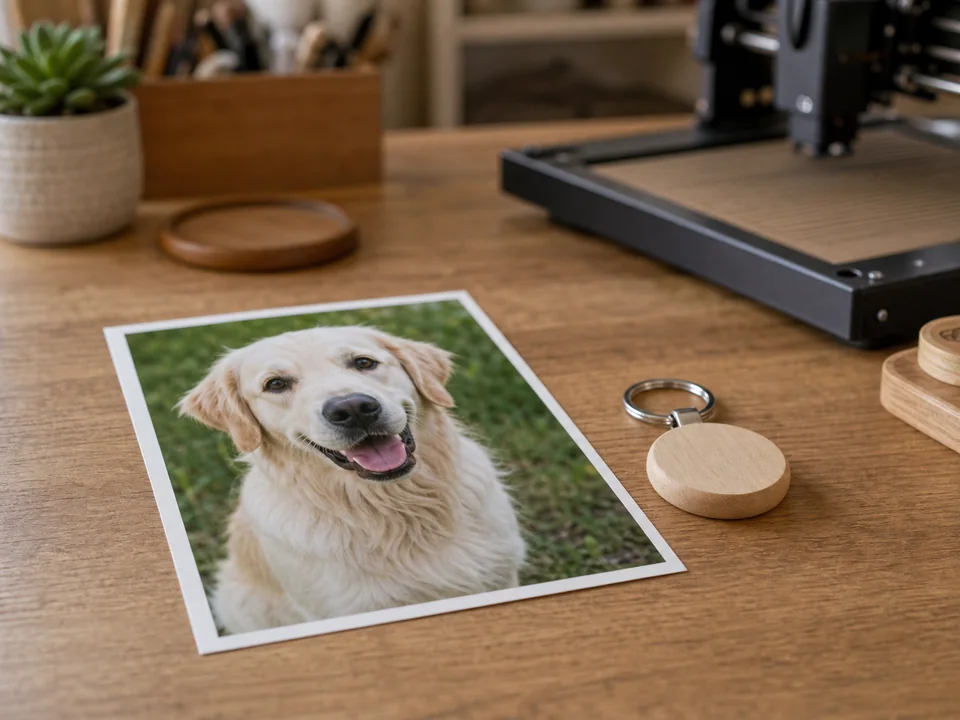

The workflow supports the kind of short, repeatable photo preparation needed when a customer is waiting.
Optional background removal and simple line controls help reduce visual noise before the final image is downloaded.
Use the PNG as input, then handle final size, placement, power, speed, and material settings in your engraving software.
Yes. The flow is built around quick upload, filter adjustment, generation, and download.
No. It prepares artwork. You still use your laser software for material-specific setup.
Yes. Phone photos are one of the main intended sources.
Upload a photo, adjust the engraving filters, generate line art, and download a PNG.
Open LineArtReady