Prioritise recognisable features
Choose a photo where the face, pet markings, or meaningful pose is easy to recognise.
Memorial artwork needs clarity and care. The best source photo is usually a calm, recognisable portrait with good light and minimal distractions.
Reviewed by LineArtReady · Last reviewed 2026-06-11
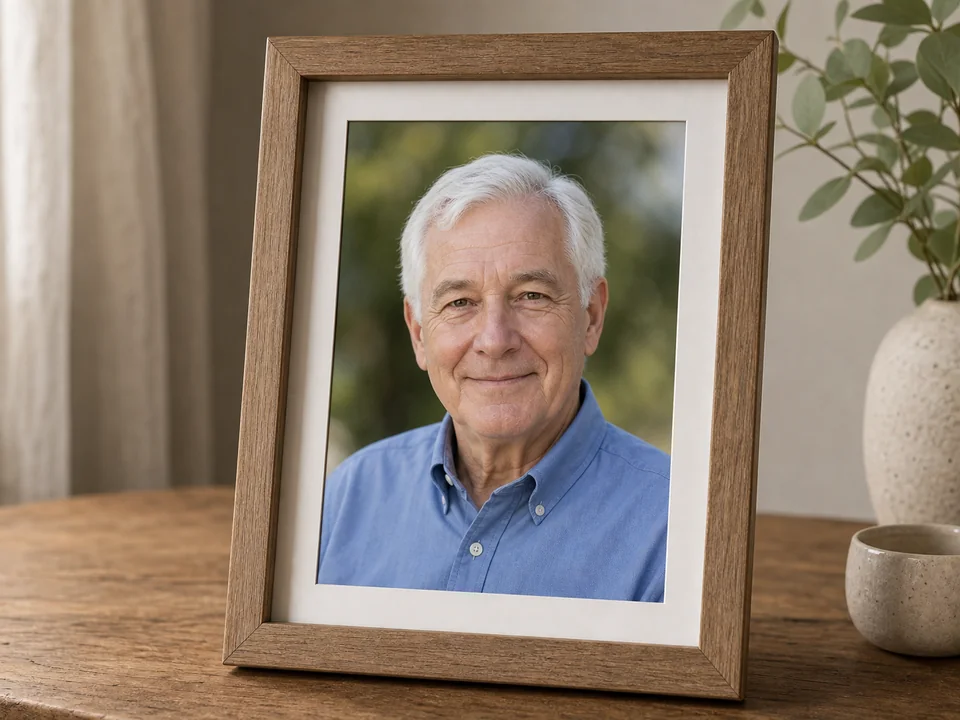

Choose a photo where the face, pet markings, or meaningful pose is easy to recognise.
Cleaner line weight can avoid harsh texture and keep the result suitable for remembrance products.
For memorial work, always review the generated PNG carefully and test the engraving before making the final item.
Yes, if it is clear enough. A well-scanned or high-quality older photo can work.
Start with medium or low detail for a respectful, cleaner result.
Yes. Pet memorials are a strong use case when the pet's face and markings are visible.
Upload a photo, adjust the engraving filters, generate line art, and download a PNG.
Open LineArtReady