Use simple product photos
A plain surface or clean backdrop helps the converter focus on the product shape and useful interior details.
Product photos work best when the item outline is clean, labels or shapes are visible, and the background does not compete with the product.
Reviewed by LineArtReady · Last reviewed 2026-06-14
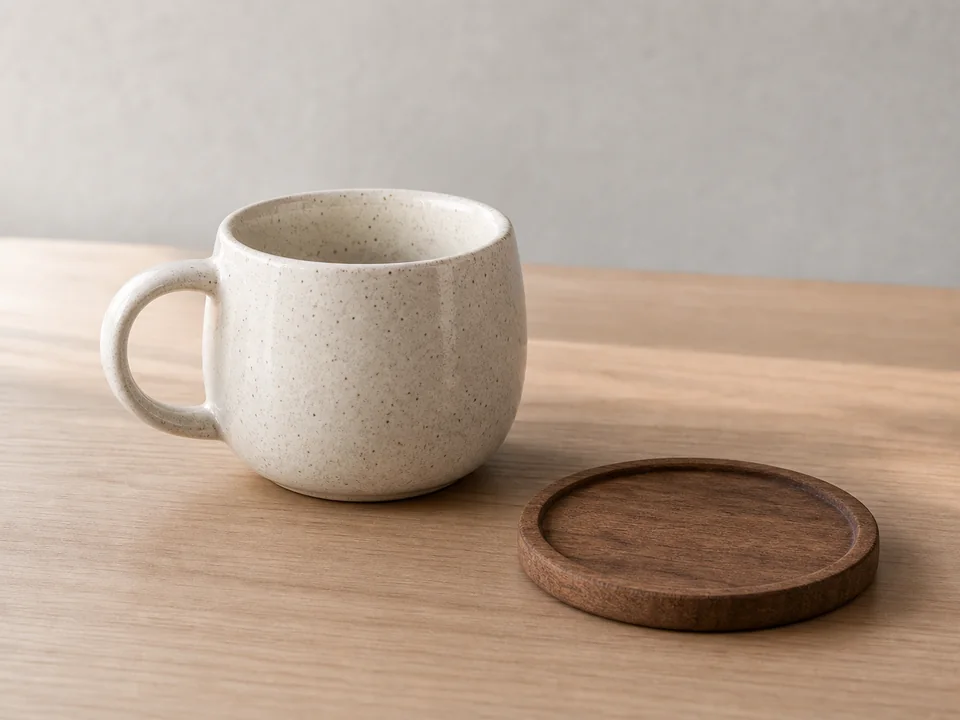

A plain surface or clean backdrop helps the converter focus on the product shape and useful interior details.
Simple objects can use bold lines, while detailed tools, jewellery, or packaging may need finer line weight.
Small printed text may not survive conversion. Inspect important labels before engraving.
Yes. Products with a clear outline and visible shape work well.
Not always. Very small text is difficult after conversion and engraving, so inspect the PNG carefully.
A plain, contrasting background usually gives the cleanest result.
Upload a photo, adjust the engraving filters, generate line art, and download a PNG.
Open LineArtReady