Photograph cards flat
Take the photo straight-on with even light. Angled photos and shadows can distort text and artwork.
Cards can include handwriting, drawings, printed characters, or sentimental designs. Choose a clear, flat photo so the important marks remain readable.
Reviewed by LineArtReady · Last reviewed 2026-06-16
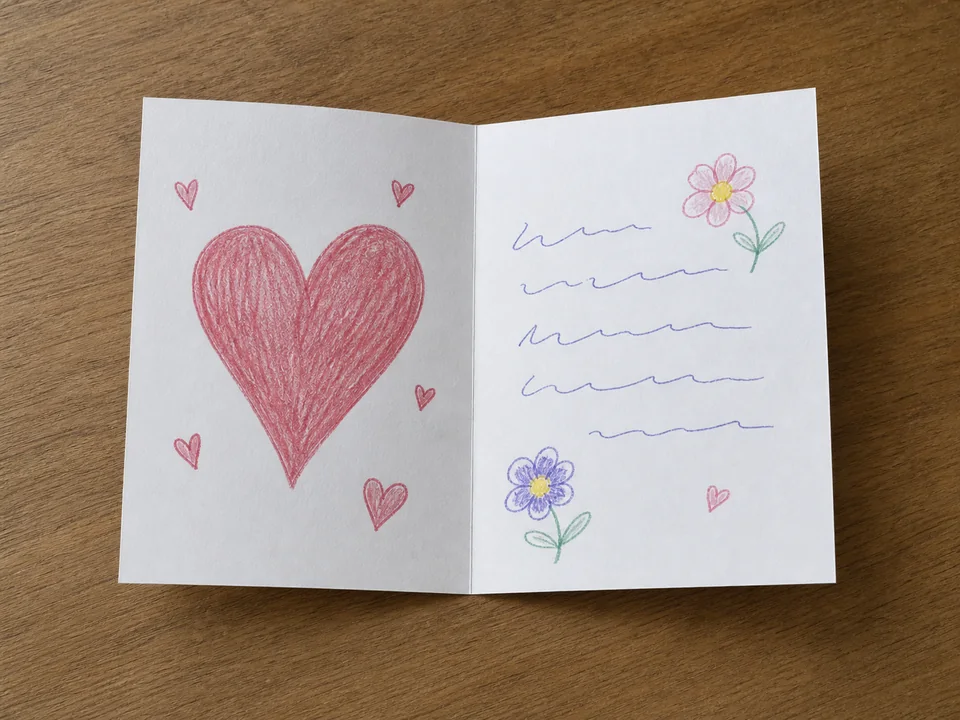

Take the photo straight-on with even light. Angled photos and shadows can distort text and artwork.
A simple drawing or handwritten word may convert well. Dense printed patterns and tiny text may become too busy.
Cards often contain fine detail. Check whether the generated PNG is readable at the product size.
Clear, large handwriting can work, but tiny or faint writing may not survive conversion and engraving.
Use background removal if the table or surface distracts from the card. Turn it off if the card edge and full rectangle matter.
Simple cards with a drawing, short message, or bold printed design usually work best.
Upload a photo, adjust the engraving filters, generate line art, and download a PNG.
Open LineArtReady